
Log the meter
1,931.5 hr
250-hour service
Due in 69 hours
Next at 2,000 hr
Pick the machine, or scan its QR label once you are signed in. Save an hours or miles reading to see how much service is left. Calendar schedules follow their dates.
Know what is due, what is down, and what it took to fix — without chasing a clipboard or a second spreadsheet.
Enable JavaScript to explore this fictional workspace.
Founding Shops: $245 for your first year of Shop, for eligible workspaces starting their first Shop subscription by December 5, 2026 (US Central). Then $49/month or $490/year. Any applicable tax is shown at checkout. Offer detailsAsk about onboarding
Different machines. One workspace.
The equipment that keeps your day moving, with its records together.
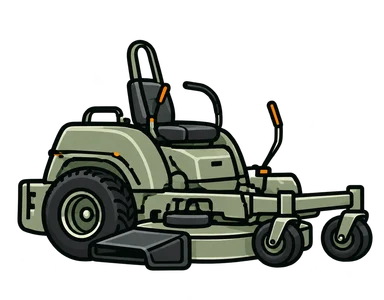 Commercial mowers
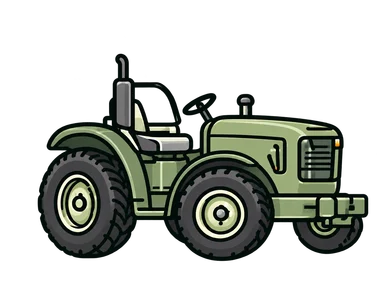 Tractors
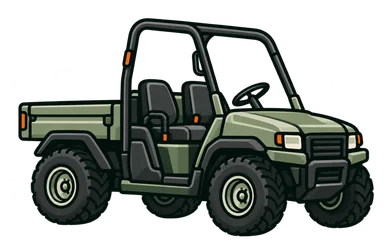 Utility vehicles
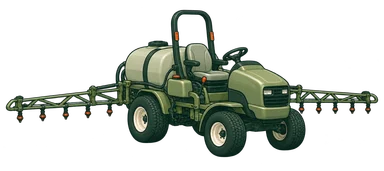 Aerators & sprayers
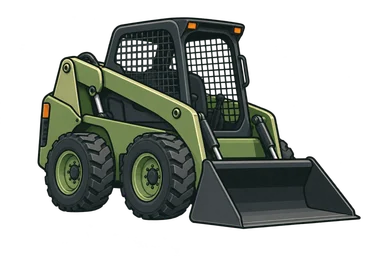 Skid steers
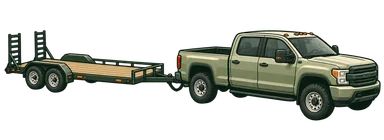 Trucks & trailers
And more. Add your own equipment and keep its service records together.
Three things your crew already does, written down once and kept with the machine.
250-hour service
Due in 69 hours
Next at 2,000 hr
Pick the machine, or scan its QR label once you are signed in. Save an hours or miles reading to see how much service is left. Calendar schedules follow their dates.
Grease and inspect · Open
Grease cartridge × 2 · from stock (Shop)
Work order open
Techs add tasks, notes, and labor from their phone. With Shop, the parts a job used come off the shelf count as they are recorded.
Closing the order writes the history: what was done, which parts, at what meter. On Free, closed orders older than 90 days become read-only; they stay visible and exportable. Shop keeps older history editable.
Sample machine and records are fictional.
Manuals and QR labels sit on the machine’s record. Parts and imports are workspace tools, one click from the menu.
Stock on hand, minimums, and the parts each work order used. A part at or below its minimum shows on the Overview.
Link a direct PDF or a public Google Drive manual, then search its text by machine, keyword, and page. The file stays where you host it.
Print a label for every machine. Scanning it opens the right record for a signed-in teammate; no special scanner.
Bring equipment in from a myTurf Asset List export, and on Shop bring parts in from its Parts Inventory export, instead of retyping the fleet.
A QR label takes your signed-in crew straight to the right equipment record. No hunting through a list. No separate scanner.
Click the QR label or a step to try the phone preview. Fictional data; no camera or live records.
 FleetTendD
EQUIPMENT RECORD · QR LINK
Next service
Oil & filter serviceDue at 2,000 hr · Due in 8 hoursA signed-in teammate opens this machine from its label. Fictional record.
We knew the frustration: support that faded, updates that stopped, and software that felt disconnected from the work it was supposed to help.
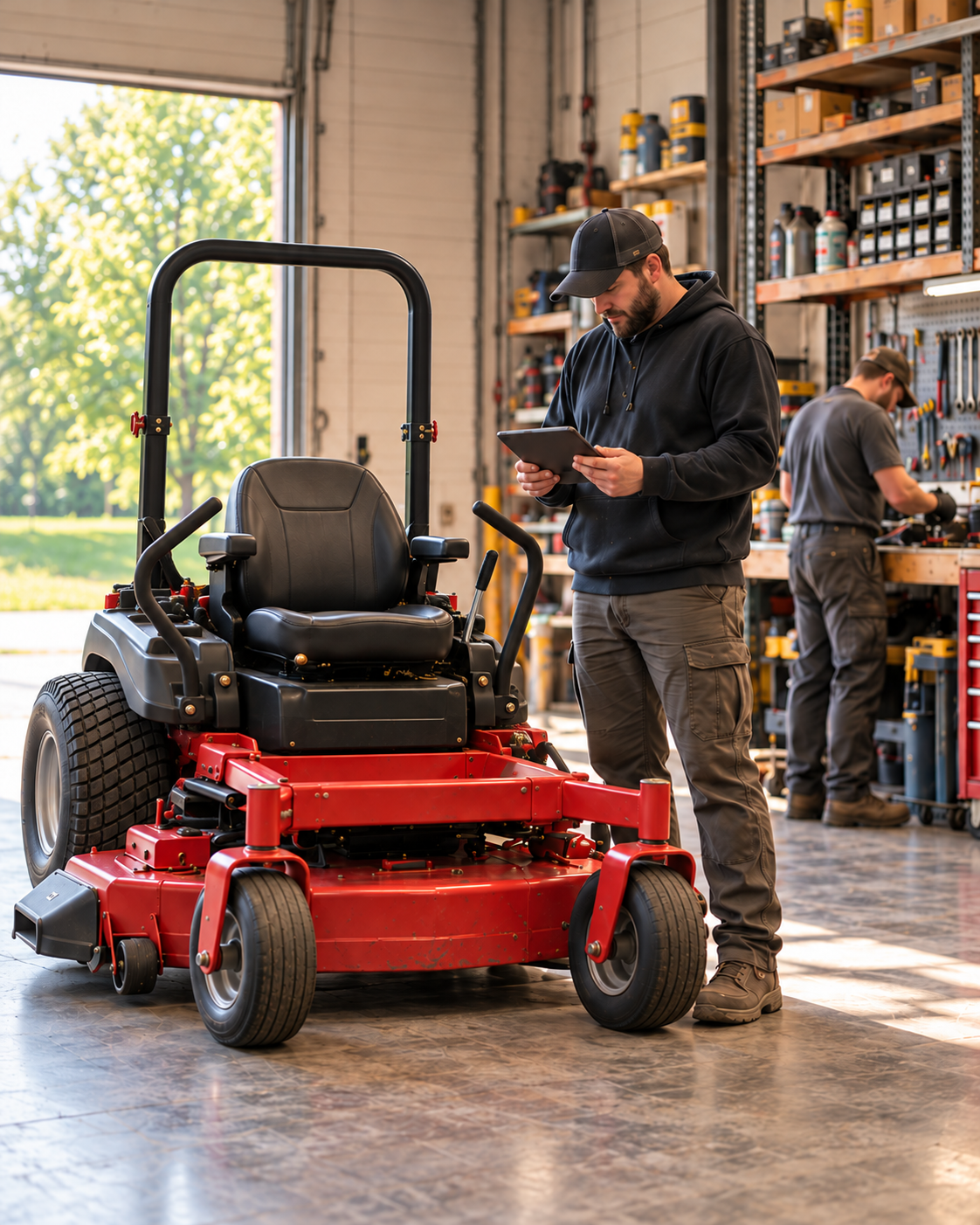
So we built FleetTend around a working equipment shop. We use it every day with the mowers, tractors, and parts shelves it was created for. When something gets in the way, we notice it firsthand.
Your experience matters, too. Feedback goes directly through the app to the people building it, helping shape what comes next. The goal is simple: software that works for the crew doing the work.
Pricing
Up to 10 active teammates per workspace. Pricing is per shop, not per seat. Full plan details and Founding Shops eligibility are on the pricing page.
Your fleet on record, up to 250 machines. A permanent home for its records.
The daily maintenance engine for a working shop — everything that runs the week.
or $490/year — two months free
Founding Shops, if eligible: $24.50/month for 12 months — eligible workspaces starting their first Shop subscription by December 5, 2026 (US Central). Then $49/month or $490/year. Any applicable tax is shown at checkout. Offer details
Create your workspaceShop renews monthly or annually until you cancel; cancel any time from Settings and keep the plan through the end of the period you paid for. Payments run on Stripe’s secure pages, and FleetTend never stores your card number.
Both buttons start a free workspace. Shop is chosen later, from Settings, by the workspace owner.
Starting with a new tool should feel like a step forward—not another job to take on.
Ask us a questionNo. Creating a workspace asks for your name, your shop, an email, and a password, and nothing else. The Free plan stays free; a card is only needed if the workspace owner later moves the workspace to Shop from Settings.
Yes. FleetTend runs in the phone’s browser, with nothing to install. A signed-in teammate can scan a machine’s QR label to open its record, log a meter reading on a metered machine, and add notes or tasks to a work order from where the machine sits.
Yes, from myTurf spreadsheet exports: the Asset List for equipment, and on Shop the Parts Inventory report for parts, up to six .xlsx files at a time. Maintenance, work-order and purchasing reports are recognised but not imported yet, and other vendors’ formats are not supported today.
Free covers up to 250 machines and up to 10 active teammates: hour, mile and date meter history, QR labels for every machine, and up to 10 active PM schedules. Closed work orders older than 90 days become read-only; they stay visible and exportable. Shop adds unlimited active PM schedules, editable work-order history beyond 90 days, manual indexing and search, and parts inventory with restock alerts. Limits never delete anything: schedules over a limit pause, and every record stays visible.
Start with one machine. Build a better shop record from there.